Redmi K20 and K20 Pro Fingerprint Animation Full Screen and Dark Mode ON
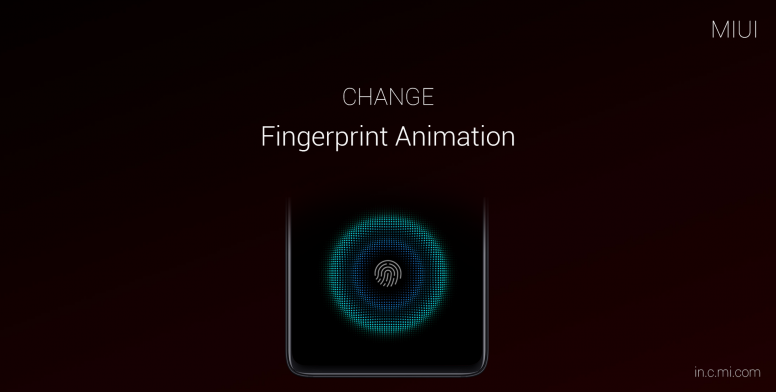
For Fingerprint Animation
In Redmi K20 and pro if you want to change the fingerprint animation then go to settings Always-on Display & Lock screen then Scroll Down and Click on Passwords & Security then click on Fingerprint unlock then click on Fingerprint Animation And choose your Animation.
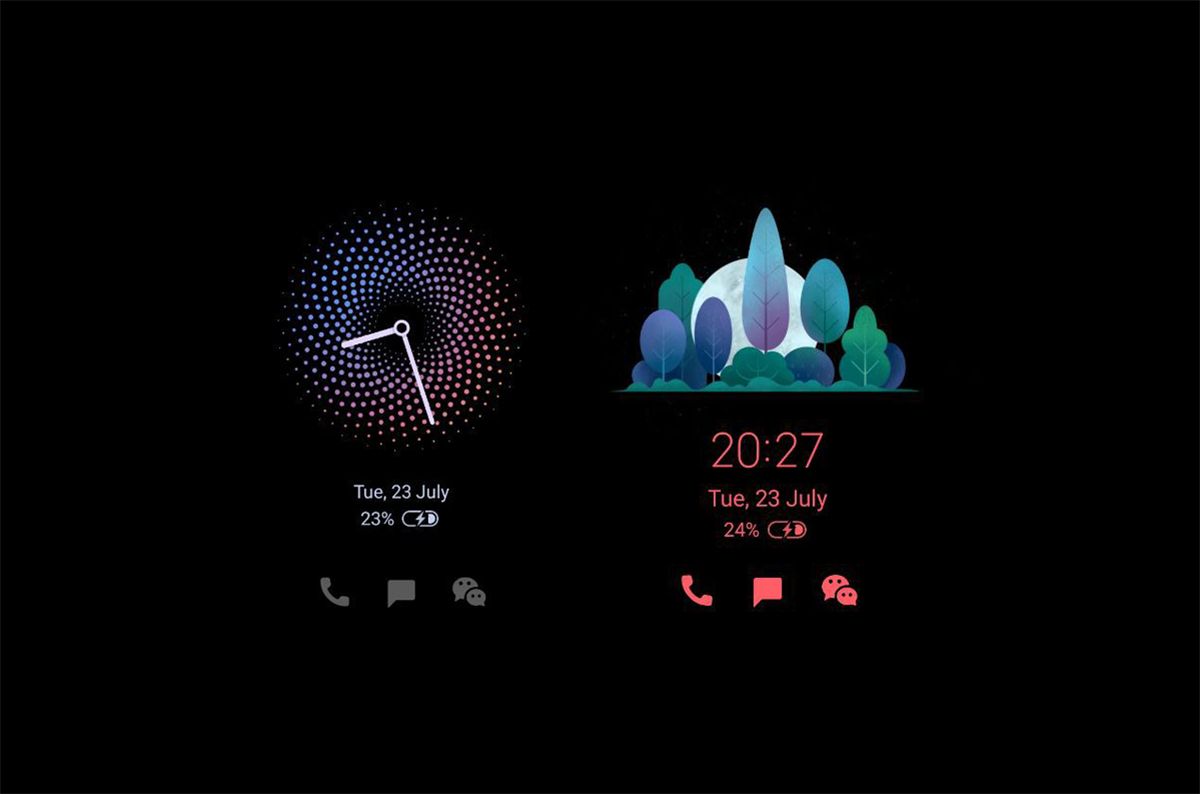
For Ambient Display
In Redmi K20 and pro if you want to change the Ambient Display then go to settings Always-on Display & Lock screen then Click on Ambient Display ON Now choose the theme you want on Lockscreen.
For Dark Mode
In Redmi K20 and pro if you want to change the Dark Mode then go to settings Display then Click on Dark Mode ON you can also schedule timing for it.
